 Doctor Wallet
User manual
Everything about Doctor Wallet, in one book.
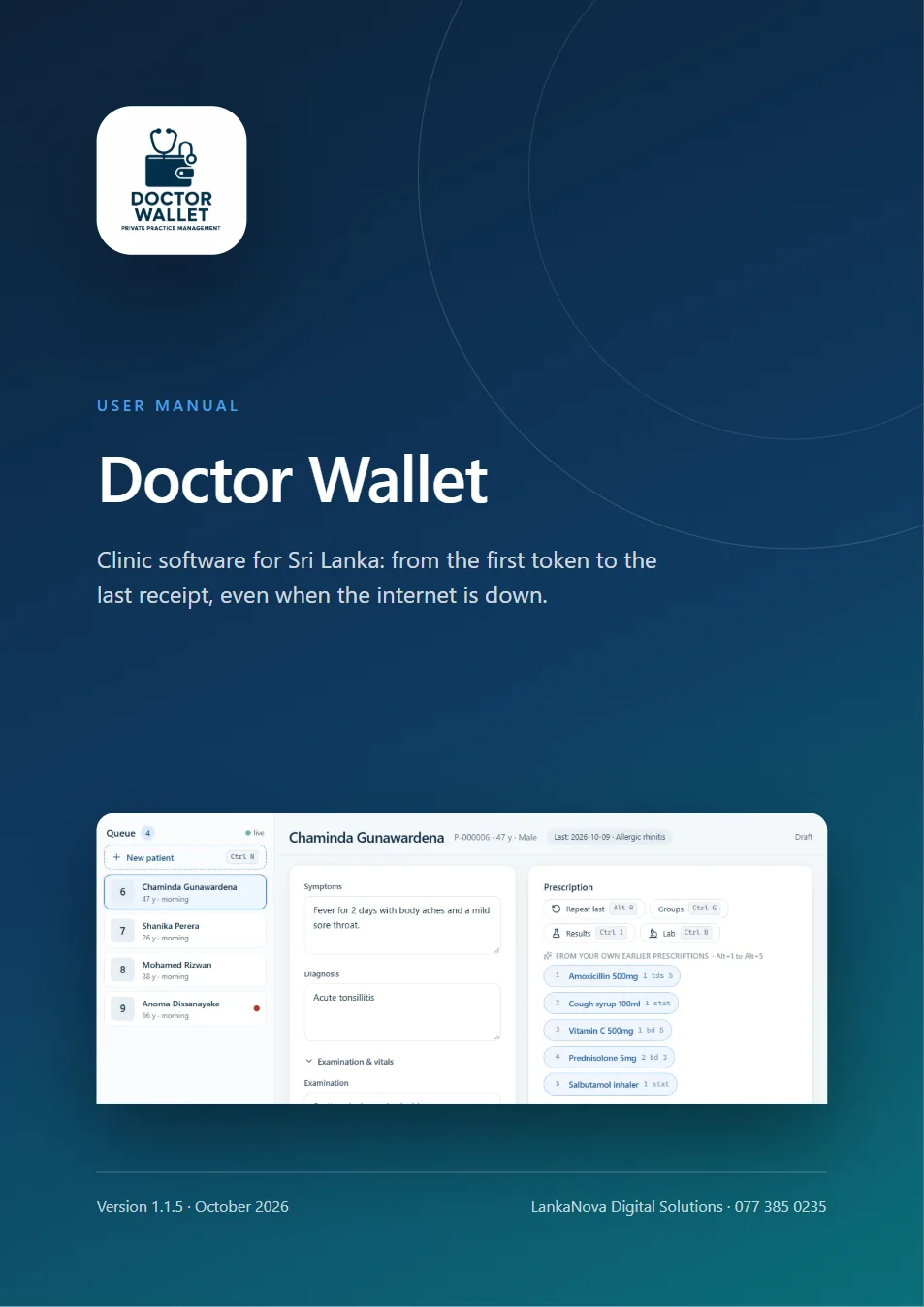
88 pages with pictures of the real program. Install it, set it up, run a clinic day, look after stock, send SMS, connect the staff website and phone, and fix problems: step by step, in plain words.
- PDF, 5.7 MB
- 88 pages
- Searchable, with bookmarks
- Plain English
Version 1.1.5, October 2026. Free for everyone, no sign-up.
What is inside
33 chapters, in four parts.
Read it from the start, or jump to the chapter you need from the bookmarks in your PDF viewer.
Part 1
Getting started
What Doctor Wallet is, what you need, how to install it on the clinic PC and how to sign in for the first time.
- Welcome to Doctor Wallet
- Before you start
- Installing and activating
- First-time setup
- Signing in, PIN and lock
Part 2
The clinic day
Patients, tokens, the consultation, the bill, receipts and printing, the medicine store, reports and SMS: everything you do from morning to closing.
- Finding your way around
- Patients
- Tokens and the queue
- The consultation
- Finish and bill
- Receipts
- Printing
- Stock: your medicine store
- Reports
- SMS messages
Part 3
Setting up and connecting
Settings, people and roles, the clinic network, backups, the staff website and phone app, the lab and patient portals, and keeping Doctor Wallet up to date.
- Settings at a glance
- People and roles
- Clinic network: more than one PC
- The waiting-room display
- Cloud backup and sync
- Backups and restoring
- The staff website and Android app
- Laboratories and lab results
- The patient portal
- The doctor directory
- Updates
- Keys, looks and the screen lock
Part 4
Safety, help and reference
How your patients' data is protected, what the licence messages mean, what to do when something goes wrong, every shortcut on one page, and a glossary from A to Z.
- Security and privacy
- Your licence and what the messages mean
- Troubleshooting
- Every shortcut on one page
- Glossary, A to Z
- Getting help
Made for the clinic
Written for the people who use it every day.
The doctor, the receptionist, the dispenser and the owner each find what they need: short steps, the keys to press, and the answer when something goes wrong.
Doctors
Prescribe in short codes, bill in two keys, and repeat what worked.
Front desk
Register, give tokens, print from the website or phone, and send SMS.
Dispensary
Batches, expiry, receiving and adjusting stock, and receipts.
Owners
Roles, backups, the clinic network, reports and security.
Still have a question? We answer the phone.
Call or WhatsApp 077 385 0235. We also install Doctor Wallet and teach your staff.